FiiO SR11


FiiO SR11
$142.80 $119.00
- Authorized Dealer · Tech Support · See Return Policy
👏Buy 2 Save 8% · Buy 3 Save 10% Auto
$142.80 $119.00
We help you choose, connect and maintain your system—not just ship a box.
The following product descriptions, specifications and images are provided by the manufacturer.
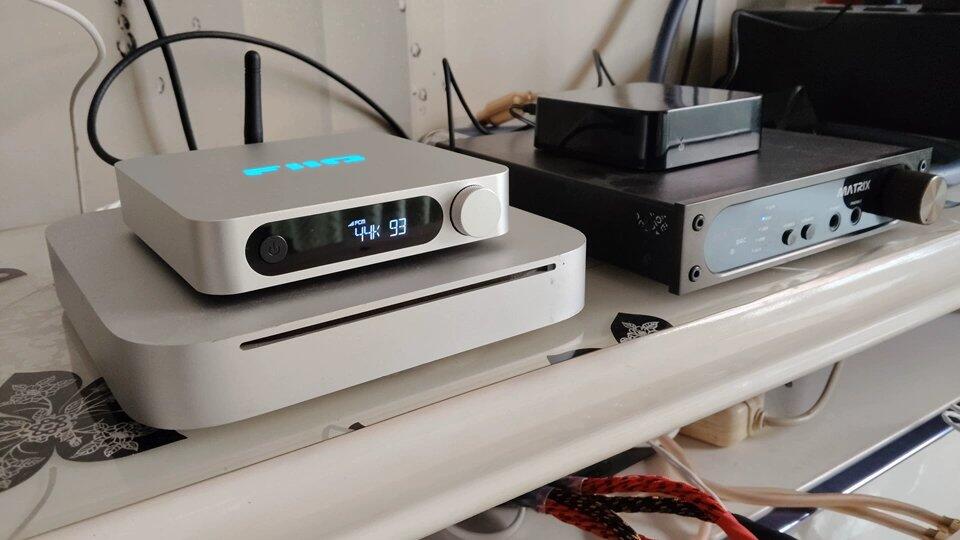
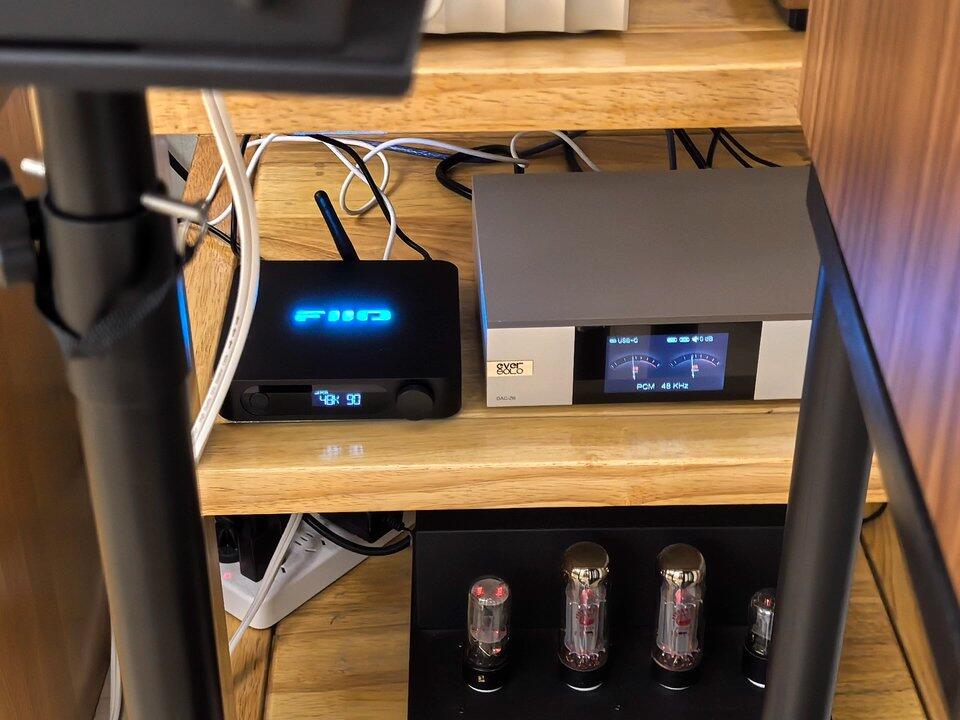
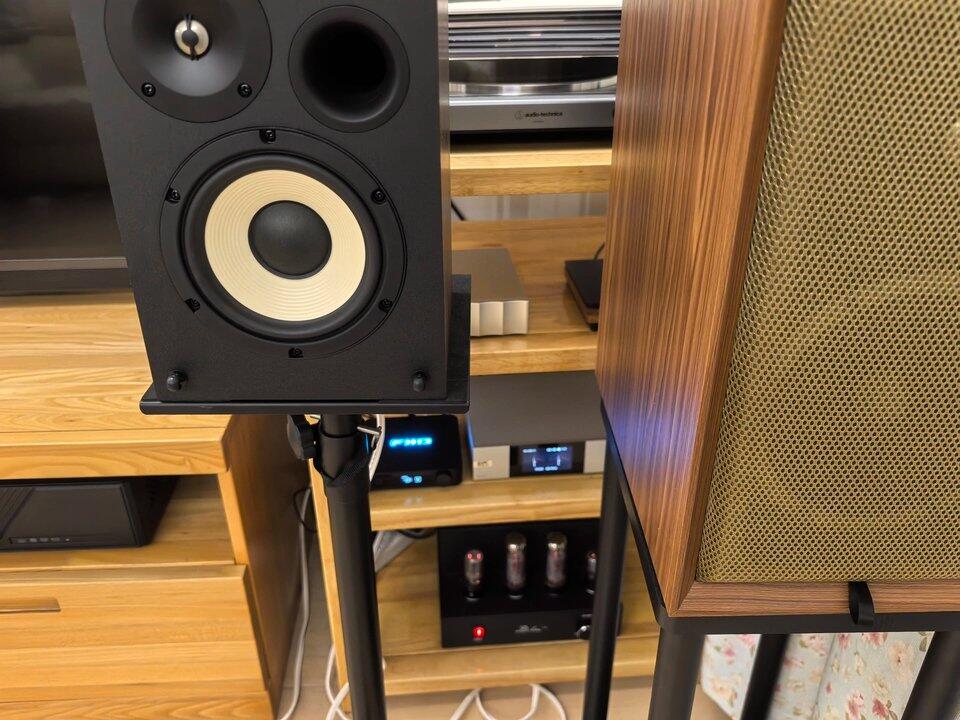
The FiiO SR11 is a compact digital streaming transport that adds network playback to an existing DAC, integrated amplifier or active speaker system with a compatible digital input. It receives music over Ethernet, Wi-Fi, AirPlay, Roon, Bluetooth or local USB storage, then sends a digital signal through USB, optical or coaxial output.
The SR11 does not contain an analog DAC stage, headphone amplifier or speaker amplifier. Its purpose is to preserve your existing audio system while adding convenient streaming control and high-resolution digital transport capability.
Use dedicated Roon Ready or AirPlay modes, or select MIX mode so the SR11 can remain available to either ecosystem without repeatedly changing the operating mode.
Connect modern USB DACs through USB-A or USB-C, or use optical and coaxial S/PDIF with traditional DACs, amplifiers and active speakers.
A 1000Mbps Ethernet port supports stable wired streaming, while 2.4GHz and 5GHz Wi-Fi provide flexible placement when a network cable is impractical.
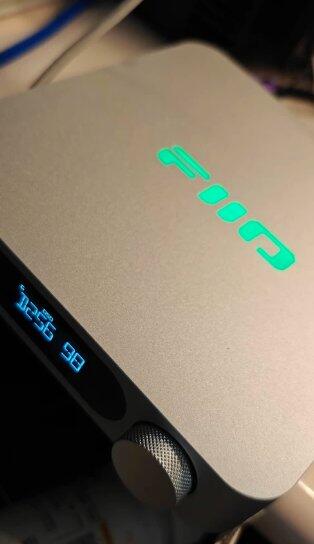
The LCD shows operating mode, output, network status, volume and sample-rate information, while the supplied infrared remote controls key functions from the listening position.


 EMiUZEK Buying Notes
No. The SR11 outputs digital audio only. Connect it to an external DAC, an amplifier with a digital input or active speakers with compatible digital decoding.
No. It has no headphone output or headphone amplifier. A separate DAC/headphone amplifier is required.
No. Passive speakers require an amplifier. The SR11 should feed a DAC or an amplifier that accepts one of its digital outputs.
Yes. In Roon mode, the SR11 appears as a Roon Ready endpoint on the same network. Roon over USB supports up to PCM 768kHz/32-bit and DSD256 DoP when the connected DAC supports those formats.
MIX mode keeps both Roon Ready and AirPlay reception available. They cannot play simultaneously; only one sending device can use the SR11 at a time.
No. FiiO specifies that PCM, DSD and MQA sources received through AirPlay are converted to 44.1kHz/16-bit before output.
FiiO documents the feature as AirPlay rather than guaranteeing AirPlay 2. Treat it as an AirPlay receiver and do not purchase it specifically for AirPlay 2 multiroom functionality.
These are not listed by FiiO as native SR11 endpoint modes. They may be accessible through another supported ecosystem or casting method, but should not be assumed to work as dedicated native Connect endpoints.
Yes, after updating to V630 firmware or later. Bluetooth Receive supports SBC, AAC and LDAC, then sends the received audio to the selected digital output.
Yes, with V630 firmware or later and the latest FiiO Control app. Both USB-A and USB-C data ports support storage, but two drives cannot be used at the same time.
FiiO lists AAC, AIF, AIFF, APE, M4A, DSF, DFF, FLAC, MP3, WAV and WMA. OGG and CUE splitting are not supported for local playback.
No. Select either USB output or S/PDIF output. When S/PDIF is selected, optical and coaxial outputs operate simultaneously.
No. Both ports can connect to an external USB DAC, but only one USB audio output is active; by default, the first connected compatible device is used.
USB supports the highest specified Roon rate, up to PCM 768kHz/32-bit and DSD256 DoP. Optical and coaxial support up to PCM 192kHz/24-bit and DSD64.
Both are supported. Gigabit Ethernet is preferable when maximum network stability is important; dual-band Wi-Fi is convenient when cabling is difficult.
No. The SR11 requires continuous 5V/2A power through its dedicated USB-C power input.
Use a stable 5V/2A USB power supply that meets FiiO's requirement. Higher-voltage fast-charging output is unnecessary because the SR11 is specified for 5V input.
Confirm that the source and SR11 are on the same network, select the correct receiving mode, then match the SR11 output setting to the connected DAC. USB and S/PDIF modes are selected separately.
Firmware can be installed from a USB flash drive through the USB-A or USB-C data port. Later firmware also supports OTA updating where available.
Source icon: Roon server
Source: Roon Core / local library / supported Roon streaming service
Connection: Gigabit Ethernet / 2.4GHz or 5GHz Wi-Fi
Output connection: USB-A or USB-C digital output
Target icon: DAC
Output: External USB DAC, DAC/headphone amplifier or compatible integrated amplifier
Note: Select Roon or MIX mode and USB output. The maximum usable format is limited by both the SR11 and the connected DAC.
Source icon: Apple device
Source: iPhone / iPad / Mac
Connection: AirPlay over the same network
Output connection: Optical or coaxial S/PDIF
Target icon: DAC
Output: External DAC, amplifier or active speakers with digital input
Note: Select AirPlay or MIX mode and S/PDIF output. AirPlay audio is converted to 44.1kHz/16-bit.
Source icon: Phone
Source: Smartphone / tablet / Bluetooth transmitter
Connection: Bluetooth Receive
Output connection: USB, optical or coaxial digital output
Target icon: Audio system
Output: External DAC or amplifier with digital input
Note: Update to V630 firmware or later, select Bluetooth mode and match the SR11 output setting to the connected component.
Source icon: USB storage
Source: USB flash drive with supported music files
Connection: USB-A or USB-C data port
Output connection: Remaining compatible USB output or optical/coaxial S/PDIF
Target icon: DAC
Output: External DAC or digital-input audio system
Note: Local playback requires current firmware and the latest FiiO Control app. Only one USB storage device can be used at a time, and port availability depends on the chosen storage and output connection.
| Feature | Specification |
|---|---|
| Product type | Network digital audio transport |
| Processor / Wi-Fi module | Ingenic X2000 / AP6256 |
| Core network modes | MIX, Roon Ready, AirPlay |
| Additional functions | Bluetooth Receive, local USB playback, DLNA, FiiO Link and OTA with V630 firmware or later |
| Roon maximum via USB | PCM 768kHz/32-bit; DSD256 DoP, subject to connected DAC |
| Optical / coaxial maximum | PCM 192kHz/24-bit; DSD64 |
| AirPlay receiving output | Converted to 44.1kHz/16-bit |
| Digital outputs | USB-A, USB-C, optical and coaxial |
| Network | 1000Mbps Ethernet; 2.4GHz/5GHz Wi-Fi 802.11 b/g/n/ac |
| Bluetooth Receive codecs | SBC, AAC, LDAC with supported firmware |
| Display | LCD with mode, network, volume and output information |
| Control | Front encoder knob and included infrared remote |
| Firmware update | USB flash drive through USB-A or USB-C; OTA with supported firmware |
| Power requirement | DC 5V/2A through dedicated USB-C power input |
| Battery | None |
| Dimensions | Approx. 157 × 133 × 32.3mm including feet |
| Weight | Approx. 375g |
| Colors | Black / Silver |
We provide tracked international shipping with delivery options and estimated delivery times shown during checkout.
All products sold by EMIUZEK are genuine products with manufacturer warranty support.
Our HiFi specialists provide assistance with compatibility, setup, and technical questions.
Eligible returns are available according to our return policy.
Please contact EMIUZEK before returning any product so we can provide assistance.