

FiiO M25 R2R Desktop Mode: Setup, Gain and Battery Guide
, к EMiUZEK Editorial Team, 7 мин время чтения
A practical FiiO M25 R2R Desktop Mode guide: charger requirements, Super High Gain, balanced-output limits, battery behavior, and when normal portable mode is enough.
Short answer: On the FiiO M25 R2R, Desktop Mode lets the player run from USB power while its battery is normally neither charged nor discharged. Turn on the side D.MODE switch after connecting a suitable USB power source. Super High Gain is a separate setting: it requires a compatible PD 2.0 or PD 3.0 charger and can raise the 4.4mm balanced output to a rated 1,700mW per channel into 32Ω. Most efficient IEMs do not need it. The M25 R2R is a portable player first; Desktop Mode is useful for a stationary setup or power-hungry headphones, not a sound-quality upgrade by itself.
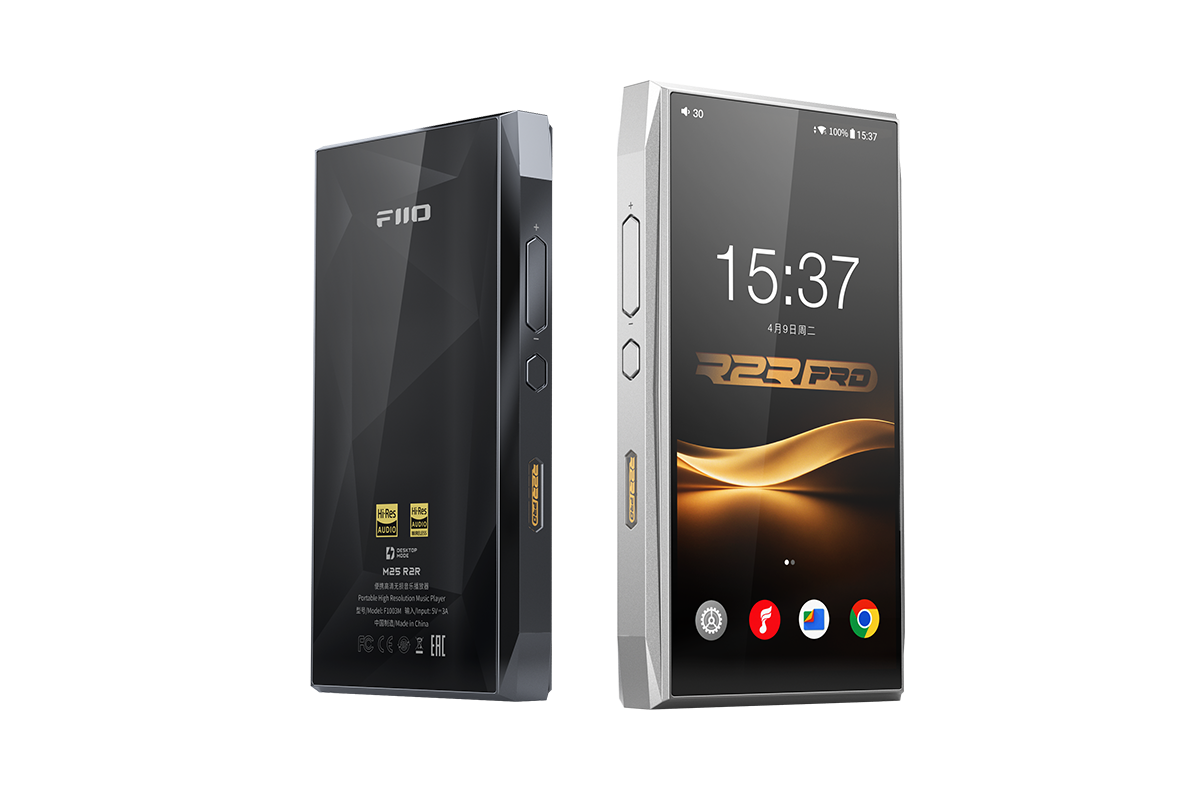
Desktop Mode changes how the M25 R2R is powered while you listen. With USB power connected and D.MODE switched on, FiiO says the player runs directly from USB and the battery is neither charged nor discharged during normal operation. If the USB source cannot provide enough power for the current load, the battery can supplement it.
This is useful when the player sits on a desk for long listening sessions, or when you want its higher gain option available with difficult headphones. It does not turn the M25 R2R into a desktop DAC/amp with different features, and it does not guarantee an audible improvement. In a portable situation, leaving D.MODE off and using the battery is simpler.
Connect a USB power adapter to either USB-C port, then switch D.MODE to ON. The display should show the Desktop Mode icon. FiiO says both USB ports support PD 2.0 and PD 3.0 charging protocols. If your adapter does not support those protocols, the player can still charge, but fast charging and Super High Gain generally may not be available.
If you are using a standard adapter rather than a PD fast charger, FiiO recommends a 5V, 1–2A supply. For Super High Gain, use a PD 2.0 or PD 3.0 source. The player’s USB-C power port is not a magic guarantee that every charger and cable combination will provide the same performance. If the gain option does not appear, check the charger protocol and connection before assuming the player is faulty.
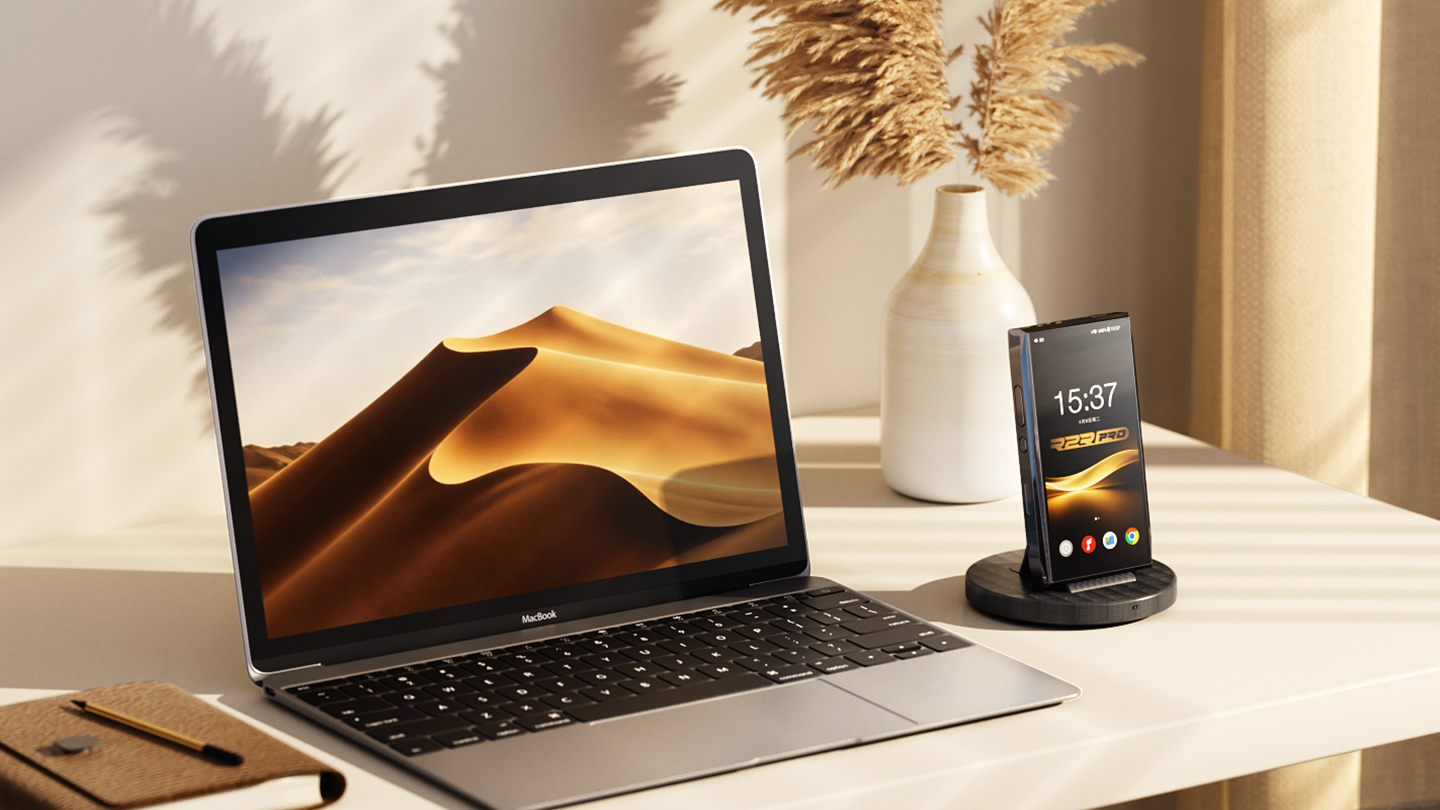
Desktop Mode selects the external-power operating arrangement. Super High Gain selects a higher amplification range. Connecting a charger does not mean you should automatically use the highest gain. To enable Super High Gain, connect a PD 2.0 or PD 3.0 fast charger, then select it under Settings > Audio > Gain, or use the gain control in the pull-down menu. When Desktop Mode is on and a fast charger is detected, the player may prompt you to enable it.
Use the lowest gain that gives you enough volume range and headroom. High gain does not make every headphone sound better, and it can make the volume control less convenient with sensitive earphones. Start with the player’s volume low when changing gain or reconnecting headphones, then raise it carefully.
FiiO’s 1,700mW figure is for the 4.4mm balanced headphone output in Super High Gain mode, at 32Ω, with the specified distortion limit. FiiO lists 1,000mW per channel at the same load in ordinary High Gain. That is a meaningful increase in maximum available power for compatible headphones, but it is not a universal output figure for every connection.
The 3.5mm output has its own lower ratings. FiiO’s specifications list up to 500mW per channel into 32Ω in Super High Gain. Do not expect 1,700mW from a 3.5mm plug, and do not connect a single-ended headphone cable to the balanced output using an improvised adapter. Use the connector and cable intended for your headphones.
For easy-to-drive IEMs and headphones, battery mode and lower gain are often sufficient. Super High Gain is mainly relevant if a particular headphone needs more voltage or power to reach your preferred listening level without running the volume at its limit. Impedance alone does not determine that; sensitivity and your listening level matter too.
FiiO lists an approximate 14.5 hours from the 3.5mm output and 12.5 hours from the 4.4mm output for the M25 R2R. These are reference figures from the manufacturer’s stated test conditions, not a guarantee for every streaming app, file, volume, screen setting, or headphone.
FiiO specifically notes that enabling All to DSD increases processor power use, shortens battery life, and can make the chassis warmer. Wi-Fi streaming, screen use, high output levels, and other processing can also change runtime. If your battery life is much shorter than expected, first compare your usage with FiiO’s test conditions and check whether All to DSD or other high-load settings are enabled.
Desktop Mode normally prevents routine charging and discharging while USB-powered. There is an exception: FiiO says that if the battery is below 15% when USB power is connected with Desktop Mode enabled, the player will complete one charging cycle. If the USB supply is insufficient for the load, the battery may also provide additional power.
Use it when the M25 R2R stays in one place, you want to avoid continuous battery cycling during a desk session, or you need Super High Gain with headphones that benefit from the extra output. It can also make a home listening setup easier to use because the player remains connected to external power.
Leave it off when you are listening on the move, using efficient IEMs, or do not need the additional gain. If your current headphones already reach your normal listening level comfortably, the larger output rating is not a reason by itself to change modes or buy a different cable.
If you are deciding between the M25 and the M25 R2R, our FiiO M25 vs M25 R2R comparison covers the model choice. For gain selection across headphone amplifiers, see our guide to high gain vs low gain.
Desktop Mode is one part of the M25 R2R’s flexibility, not a reason everyone needs a flagship portable player. It makes the most sense if you want one device for portable playback and a stationary headphone setup, and your headphones genuinely benefit from the available balanced output. If you mainly listen with sensitive IEMs, a less powerful player may already be enough.
EMiUZEK currently lists the M25 R2R as an active preorder. Preorder availability, price, payment terms, and shipping estimates can change, so check the FiiO M25 R2R preorder page for the latest details before deciding.
No. With USB power connected and D.MODE on, FiiO says the player is powered directly through USB and the battery is normally neither charged nor discharged. The battery can supplement power if the USB source is insufficient, and a low battery below 15% triggers one charge cycle when USB power is connected.
Check that you have connected a PD 2.0 or PD 3.0 fast charger. FiiO says Super High Gain generally cannot be activated with a non-fast-charging adapter. The charger must be detected by the player.
Not automatically. It supplies the conditions for external-power operation and enables a higher gain range when needed. If your headphones already reach your preferred level cleanly, you may not benefit from the extra maximum output.