FiiO K13 R2R


FiiO K13 R2R
R$ 2.171,00 R$ 1.798,00
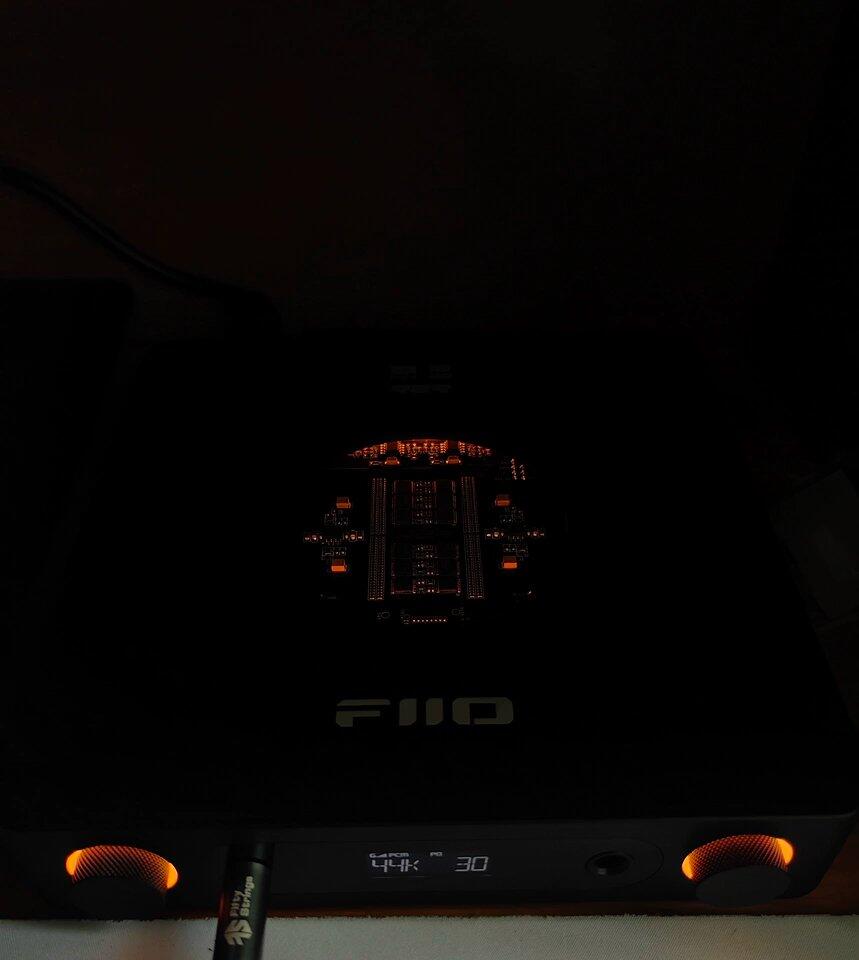
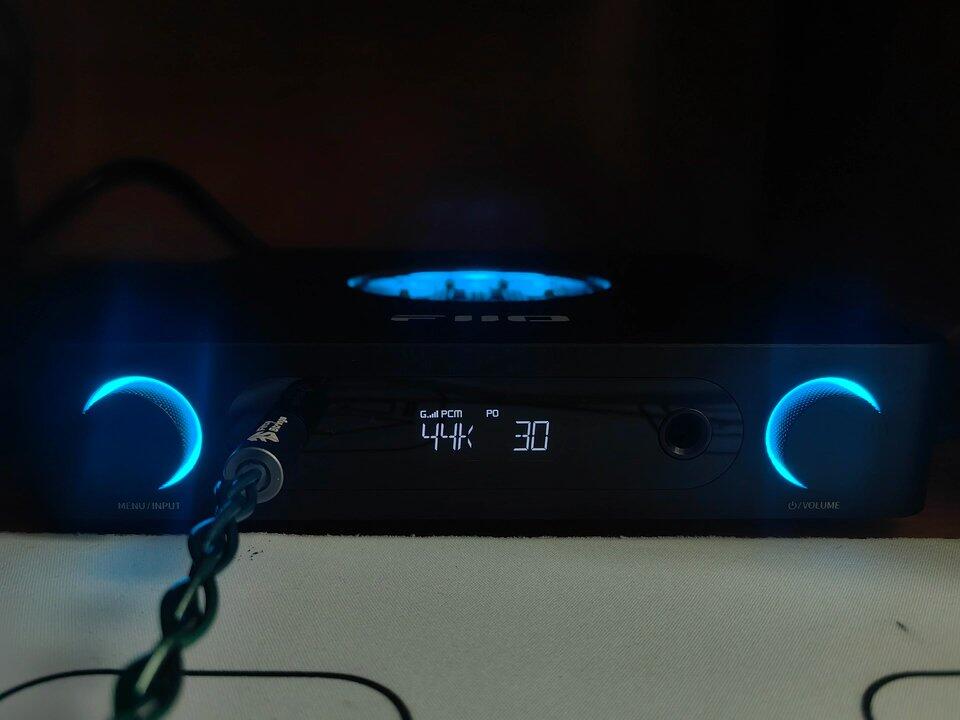
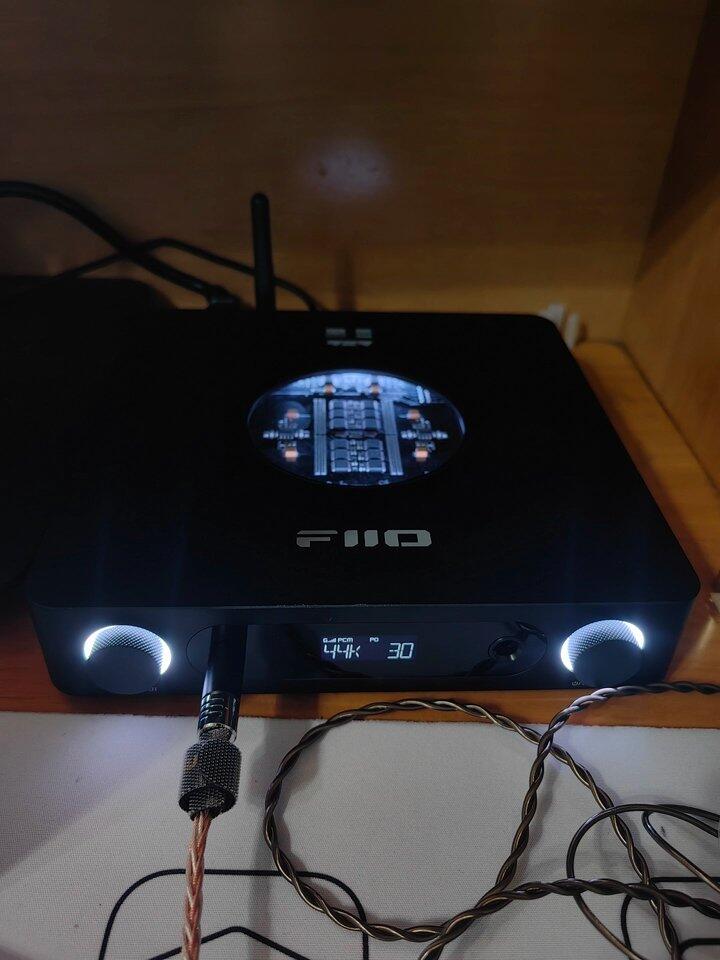
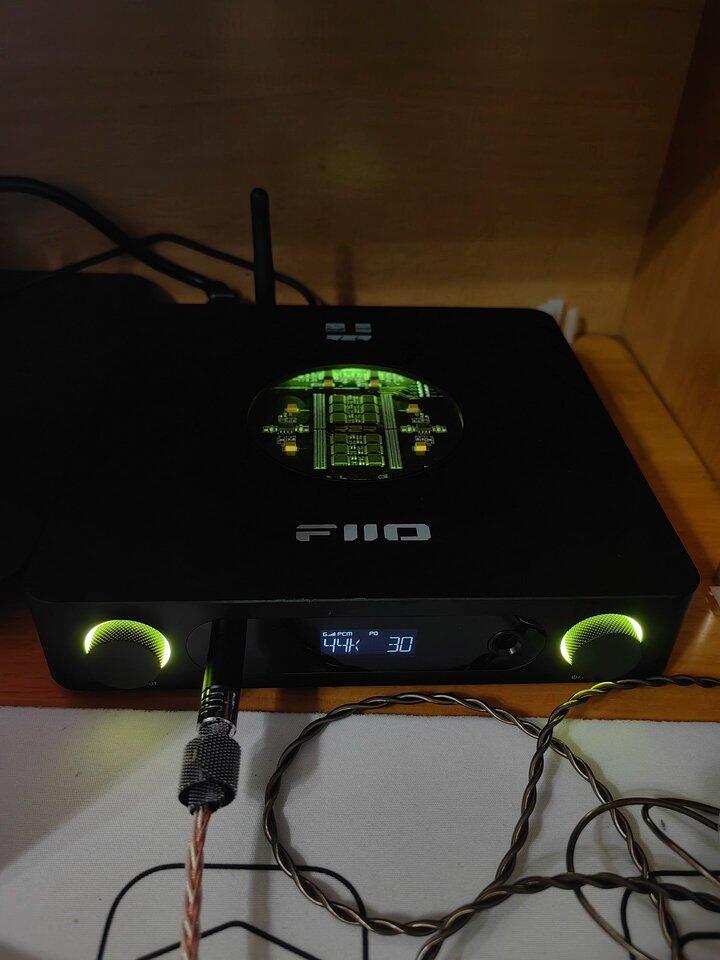
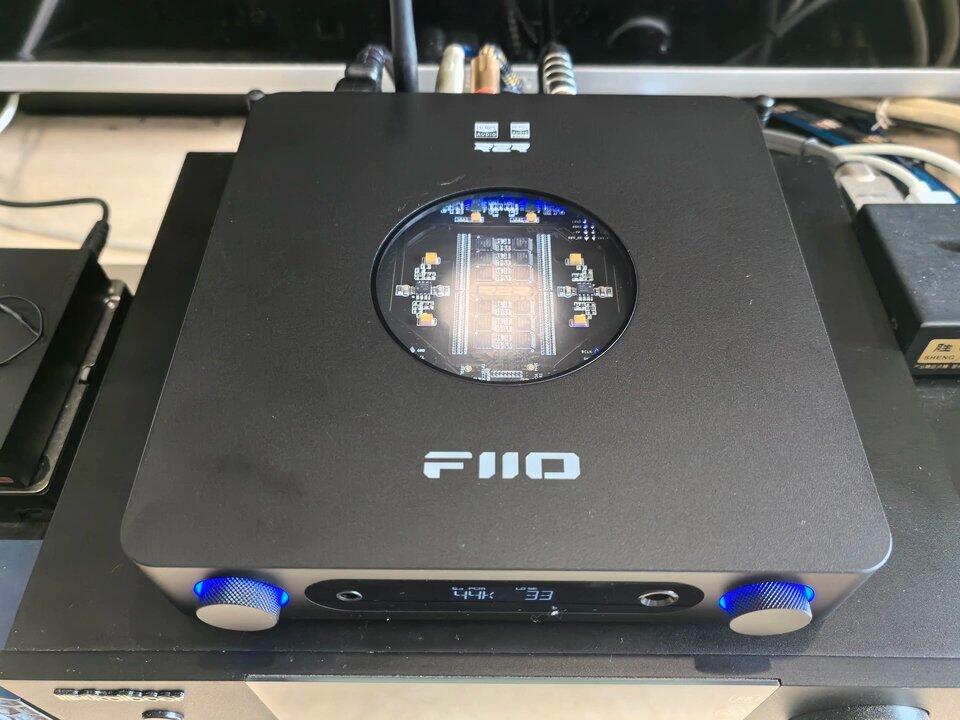
FiiO K13 R2R combines a true 24-bit R2R DAC, powerful balanced headphone amplification, Bluetooth reception, PEQ, and preamplifier functionality in one versatile desktop audio center.
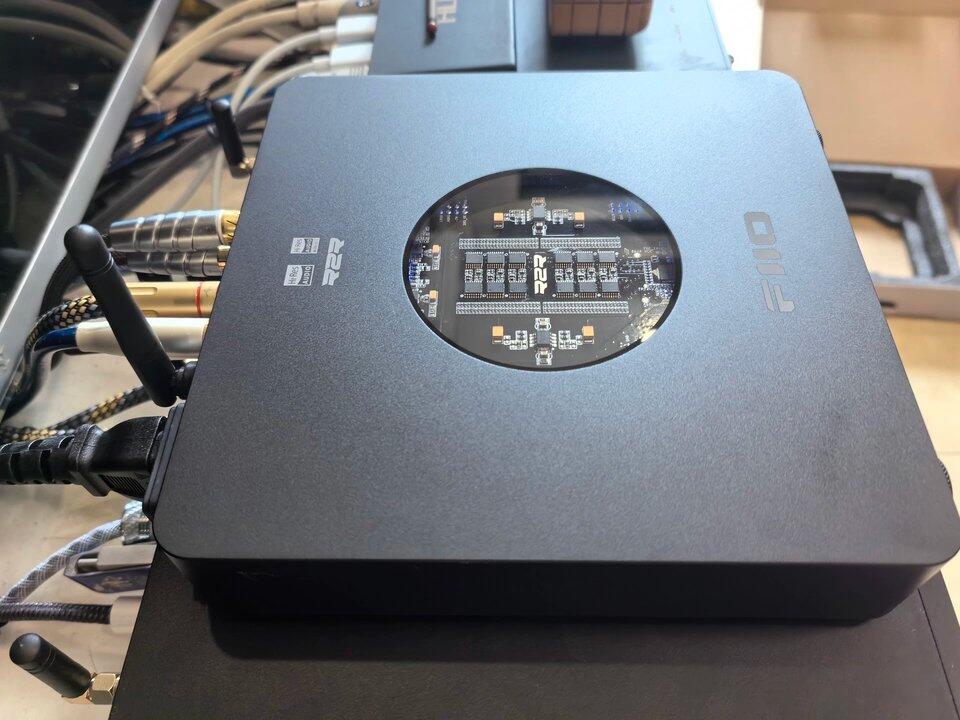
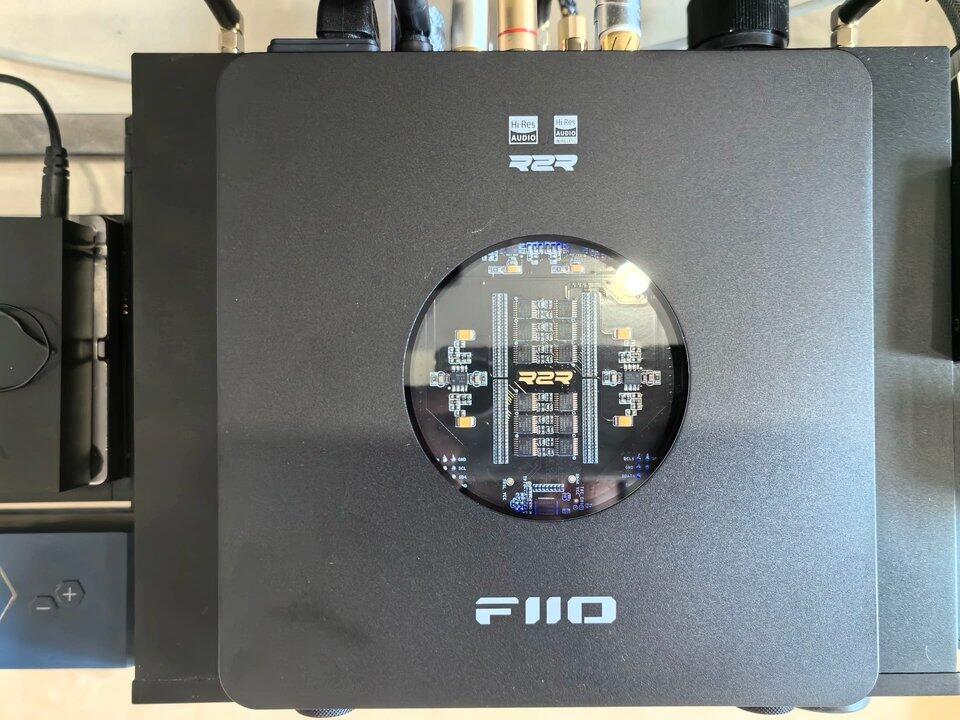
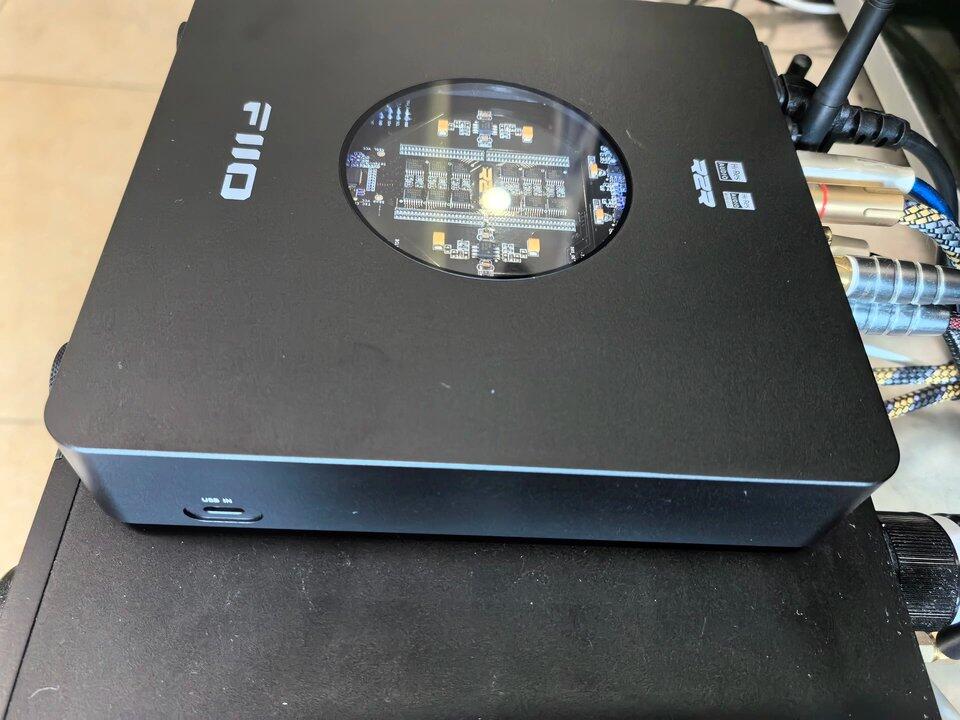
FiiO’s proprietary four-channel R2R DAC uses 192 precision thin-film resistors with 0.1% accuracy and 30ppm low temperature drift, delivering a rich, natural, and musical presentation.
FIIO’s four-channel fully differential resistor-ladder DAC uses 192 precision thin-film resistors, giving listeners a genuine R2R alternative to conventional delta-sigma desktop DACs.
Switch between non-oversampling and oversampling playback instead of being locked into one presentation. NOS prioritizes the direct R2R signal path, while OS applies digital oversampling for a different response.
The 4.4mm balanced output delivers up to 2400mW + 2400mW at 32Ω in high gain, while the 6.35mm output supports conventional single-ended headphones.
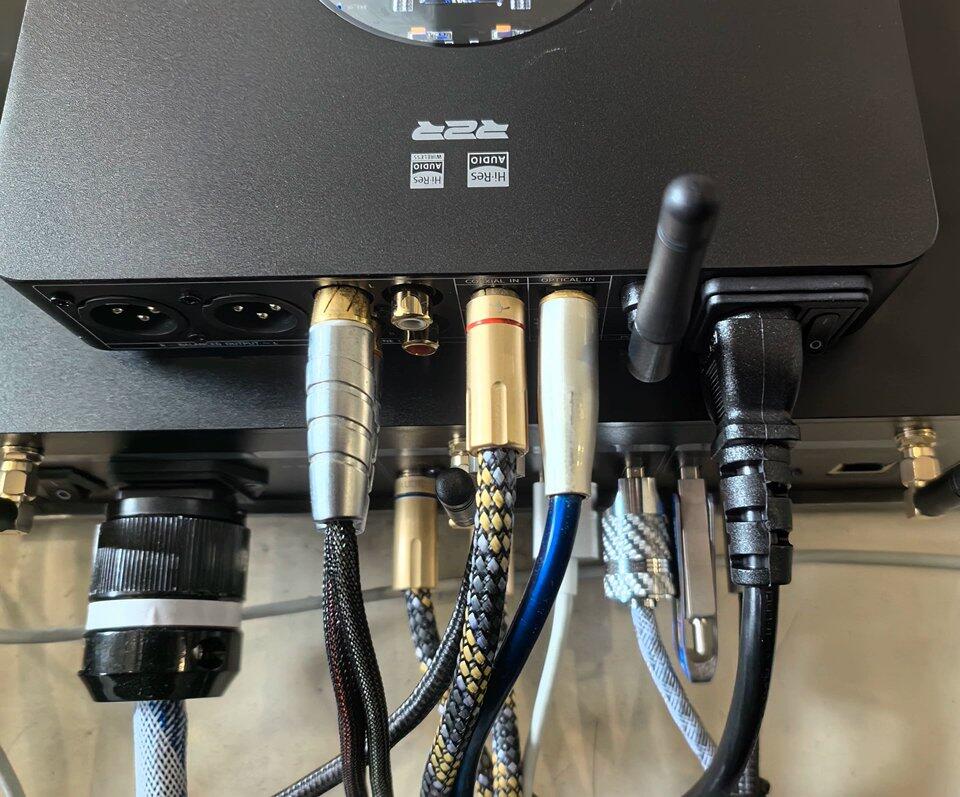
Connect computers, phones, televisions and digital transports through USB-C, Bluetooth 5.4, optical or coaxial input, then listen through headphones or feed an amplifier or active speakers through RCA or balanced XLR.


NOS plays through the R2R ladder without digital oversampling and is the mode to try when you want the most direct R2R presentation. OS applies oversampling and may suit listeners who prefer a smoother, more controlled presentation. Neither mode is universally better, so you can switch between them without changing the rest of the system.
No. Headphones with a standard 6.35mm plug can use the single-ended output. The 4.4mm connection is for headphones wired for balanced operation and is required to access the highest quoted output power. Do not connect a single-ended plug through an unsafe balanced adapter.
Yes. Use the RCA output for a conventional stereo connection or XLR for a balanced connection. Select the appropriate line or preamplifier mode for the receiving equipment. Passive speakers still need a separate amplifier because the K13 R2R is not a speaker power amplifier.
Computers and compatible phones can use USB-C; televisions and digital transports can use optical or coaxial output; phones, tablets and computers can stream to the unit through Bluetooth 5.4 with SBC, AAC or LDAC. Bluetooth is receive-only, and there is no analog audio input.
Source icon: Computer
Source: PC / Mac
Connection: USB-C
Output connection: Headphone output
Target icon: Headphones
Output: 6.35mm / 4.4mm
Note: Select USB input, choose a suitable gain level and begin with the volume low.
Source icon: Phone
Source: Phone / tablet
Connection: Bluetooth
Output connection: Headphone output
Target icon: Headphones
Output: 6.35mm / 4.4mm
Note: The phone sends audio wirelessly to the K13 R2R, but the headphones remain wired.
Source icon: TV
Source: TV / digital transport
Connection: Optical / coaxial / USB-C / Bluetooth
Output connection: RCA / XLR
Target icon: Amplifier or active speakers
Output: Line output / preamplifier output
Note: For television use, select PCM digital output. Passive speakers require a separate amplifier.
| Feature | Specification |
|---|---|
| Product type | Desktop R2R DAC and headphone amplifier |
| DAC | FIIO-developed four-channel fully differential 24-bit R2R |
| USB controller | XMOS XU316 |
| Amplifier | 2 × OPA1642 + 2 × TPA6120A |
| Bluetooth | 5.4; SBC, AAC and LDAC |
| Digital inputs | 2 × USB-C, optical and coaxial |
| Headphone outputs | 6.35mm single-ended and 4.4mm balanced |
| Line outputs | Stereo RCA and balanced XLR |
| Maximum USB decoding | PCM 384kHz/32-bit; native DSD256 |
| Balanced power | ≥2400mW + 2400mW at 32Ω |
| Dimensions | Approx. 210 × 188 × 42mm |
| Weight | Approx. 980g |
| Power | AC 100–240V or DC 12V/≥2.5A |