두드러지는 이유
✓
최고
×
이상적이지 않다
안심하고 쇼핑하세요
EMiUZEK에서 구매해야 하는 이유
우리는 단순히 제품만 판매하는 것이 아니라, 고객님의 시스템을 선택하고 연결하며 유지 관리하는 전 과정에 도움을 드립니다.
- ✓정품 제품
- ✓호환성 안내
- ✓빠른 배송
- ✓펌웨어 및 드라이버 지원
- ✓명확한 보증 절차
- ✓신속한 애프터 서비스 지원
설정 가이드
연결 방법
알아두셔야 할 점
EMiUZEK 구매 참고 사항
자주 묻는 질문+
전체 기술 사양 보기+
[브랜드]에서 제공하는 공식 제품 정보+
제조사에서 제공하는 제품 설명, 사양 및 이미지입니다.
FiiO SR11 데스크탑 디지털 무손실 뮤직 스트리머
고해상도 스트리밍의 세계를 경험하세요. FiiO SR11은 Hi-Fi 시스템을 현대화하도록 설계된 전용 디지털 오디오 트랜스포트입니다. SR11을 기존 DAC(디지털-아날로그 변환기)에 연결하면 컴퓨터 없이도 즉시 무손실 네트워크 스트리밍을 즐길 수 있습니다. Roon 또는 Apple 장치를 사용하는 오디오 애호가에게 이상적인 고성능 브리지입니다.
Roon Ready & AirPlay 지원
Roon Ready 엔드포인트 인증
SR11은 공식적으로 Roon Ready 인증을 받았습니다. 이는 복잡한 설정 없이 Roon 생태계에 완벽하게 통합됨을 의미합니다. Roon을 사용할 때 운영 체제의 오디오 믹서를 우회하여 로컬 고해상도 라이브러리 및 스트리밍 서비스(Tidal/Qobuz)의 비트 퍼펙트 재생을 통해 가장 순수한 음질을 얻을 수 있습니다.
편리한 AirPlay 스트리밍
무선 오디오의 편리함을 즐기세요. SR11은 AirPlay를 지원하여 iPhone, iPad 또는 Mac에서 즉시 음악을 푸시할 수 있습니다. 사용 편의성이 우선시되는 캐주얼한 청취 세션에 완벽한 솔루션이며 안정적인 CD 품질 전송을 제공합니다.
순수 디지털 아키텍처
포괄적인 디지털 출력 (아날로그 없음)
엄격하게 디지털 브리지로 설계된 SR11은 신호 품질에 전적으로 집중합니다. 거의 모든 외부 DAC에 연결할 수 있도록 옵티컬, 동축, USB Type-A 및 USB Type-C 출력을 제공합니다.
-
참고: SR11에는 아날로그 출력(RCA/3.5mm)이 없으며 소리를 내려면 DAC에 반드시 연결해야 합니다.
고속 네트워크 안정성
고비트레이트 파일 스트리밍에는 강력한 연결이 필요합니다. SR11은 초고속, 간섭 없는 유선 연결을 위해 1000Mbps 기가비트 이더넷 포트를 갖추고 있습니다. 또한 데스크탑 또는 Hi-Fi 랙에 유연하게 배치할 수 있도록 듀얼 밴드 Wi-Fi를 지원합니다.
기술 사양
| 기능 | 상세 사양 |
| 장치 유형 | 디지털 오디오 트랜스포트 (외부 DAC 필요) |
| 스트리밍 프로토콜 | Roon Ready (인증됨), AirPlay, DLNA |
| 최대 출력 (USB) | PCM 768kHz/32bit, DSD256 (네이티브/DoP) |
| 최대 출력 (동축/옵티컬) | PCM 192kHz/24bit, DSD64 (DoP) |
| 디지털 출력 | USB-A, USB-C, 옵티컬, 동축 |
| 네트워크 | 1000Mbps 이더넷 / 듀얼 밴드 Wi-Fi |
| 디스플레이 | 맞춤형 LCD 화면 (상태/볼륨/모드) |
| 크기 | 157 x 133 x 32 mm (FiiO K11과 쌓기 가능) |
| 전원 입력 | DC 5V/2A (USB-C) |
FiiO SR11을 선택해야 하는 이유
-
최고의 K11 동반자: SR11은 FiiO K11 DAC/앰프와 동일한 "슬림" 디자인 언어와 치수를 공유합니다. 함께 쌓아 작고 미학적으로 만족스러운 강력한 데스크탑 헤드폰 시스템을 만드세요.
-
조용한 작동: 팬리스 알루미늄 합금 섀시로 제작된 SR11은 완전히 조용하게 작동하여 음악 감상에 기계적 소음이 방해되지 않도록 합니다.
-
리모컨 포함: 입력, 네트워크 모드 및 화면 밝기 조정을 쉽게 전환할 수 있는 전용 적외선 리모컨이 함께 제공됩니다.
-
미래 보장: 펌웨어 업데이트가 쉽게 처리되어 스트리밍 플랫폼과의 지속적인 호환성을 보장합니다.
자주 묻는 질문
FiiO SR11에 헤드폰 잭이 있나요?
아니요. SR11은 순수 디지털 트랜스포트입니다. 내장 DAC 또는 아날로그 앰프가 없습니다. 소리를 들으려면 디지털 출력을 외부 DAC(FiiO K11, K7 또는 K9와 같은)에 연결해야 합니다.
AirPlay 2 멀티룸 기능을 지원하나요?
SR11은 Apple 장치에서 안정적인 지점간 스트리밍을 위한 표준 AirPlay 프로토콜을 지원합니다. 현재 HomePod과 멀티룸 그룹화와 같은 AirPlay 2 특정 기능은 지원하지 않습니다.
최고의 음질을 얻는 가장 좋은 방법은 무엇인가요?
최고의 오디오 성능을 위해서는 Roon Ready 모드를 사용하거나 최대 768kHz/32bit 및 DSD256을 지원하는 로컬 파일을 재생하는 것을 권장합니다. AirPlay는 프로토콜 자체에 의해 CD 품질(16bit/44.1kHz)로 제한됩니다.
외부 DAC 필요: 이 장치는 스피커나 헤드폰으로 직접 소리를 출력하지 않습니다. 디지털-아날로그 변환기(DAC)에 연결해야 합니다.
박스 구성품: 설명서, 다운로드+
배송, 보증 및 반품+
전 세계 추적 배송
배송 옵션 및 예상 배송 시간이 결제 시점에 표시되는 추적 가능한 해외 배송을 제공합니다.
공식 보증 지원
EMIUZEK에서 판매하는 모든 제품은 제조사 보증이 지원되는 정품입니다.
당사의 HiFi 전문가는 호환성, 설치 및 기술적인 질문에 대해 지원을 제공합니다.
간편한 반품
당사의 반품 정책에 따라 적격 반품이 가능합니다.
지원을 제공할 수 있도록 제품을 반품하기 전에 EMIUZEK에 문의하십시오.
A
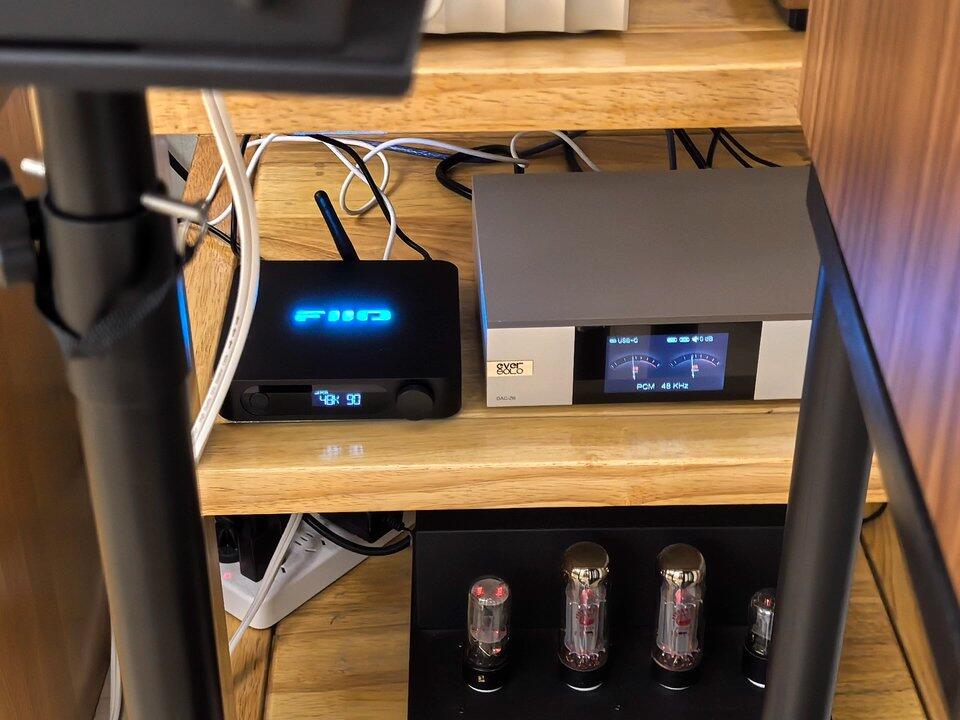
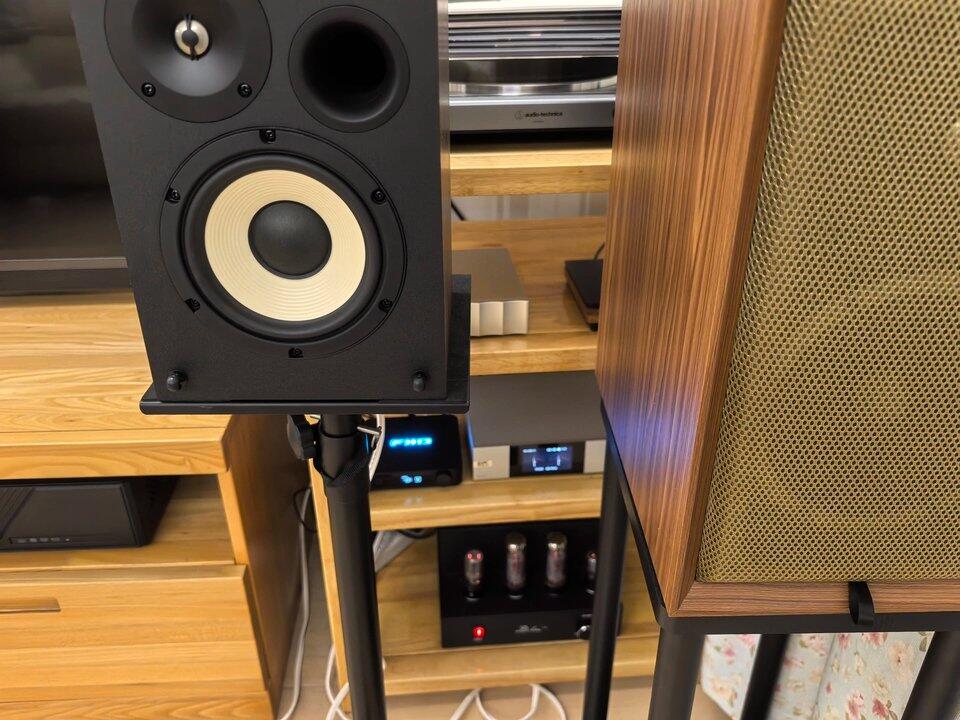
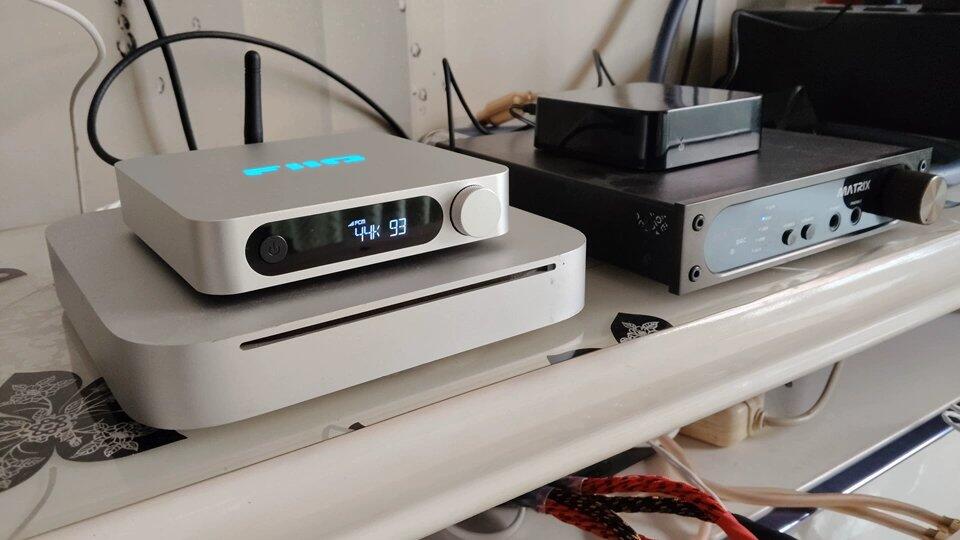
Ashley Evans This little device is compact and exquisite. I was pleasantly surprised that the top logo has lighting: a soft pale blue glow with adjustable brightness. The sound performance satisfies me greatly. I previously used the Bluetooth receiver beside it, which always had some flaws in soundstage. After switching to this unit, the system sound becomes noticeably fuller and more transparent, and the soundstage imperfections are gone. Overall, this small unit delivers great looks and performance, and it is absolutely worth the money. Positive review.
B
Betty Campbell Great sound quality and excellent customer service. All questions get answered promptly.
S
Susan Nelson Great improvement in sound quality.
伊
伊藤 陽斗 音質が非常に良く、見た目もかっこいいです。作りは一流です。
B
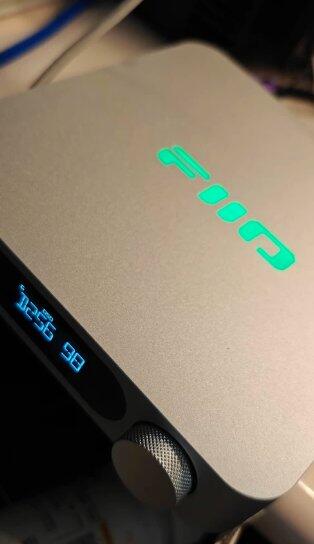
Benjamin Simple configuration, quick startup, stable performance.